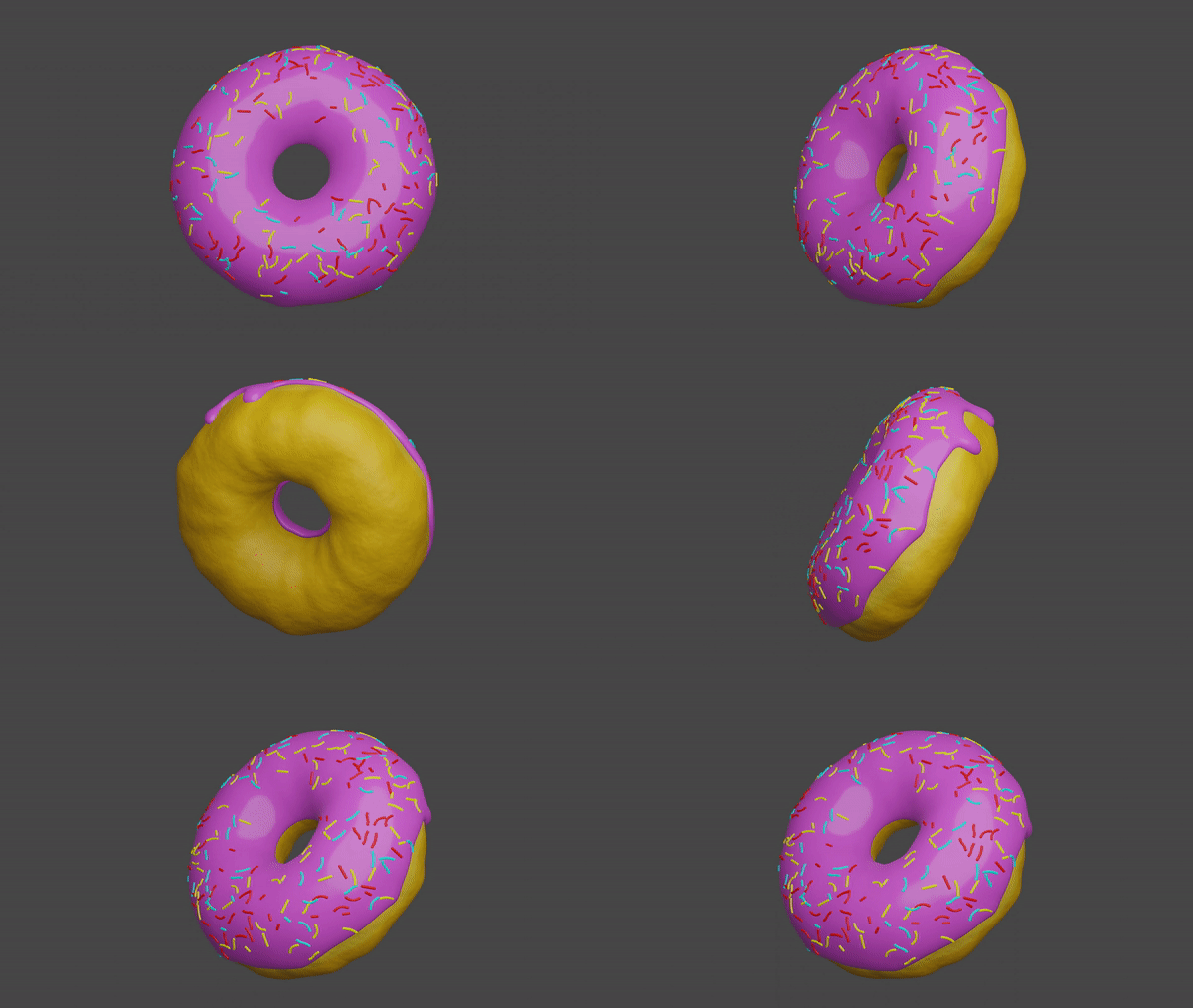
create a simple rotation animation in layout mode

in animation tab, select graph editor
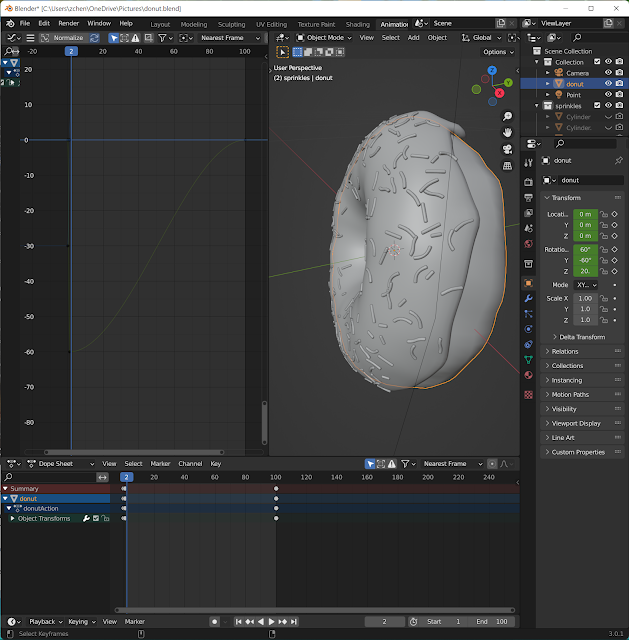
scroll to zoom horizontally, ctrl + scroll to zoom vertically

delete x, y euler rotation by select and press X

z axis rotation starts at -30 degree ends at 690 degree

ctrl + right click to add a key frame at frame #50
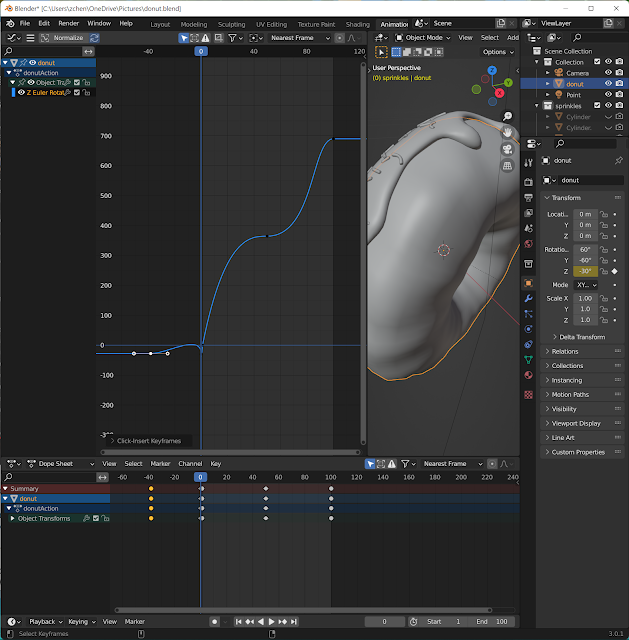
adjust lever of key frame 50 so that slope is smooth

adjust lever at frame #0 to ease in
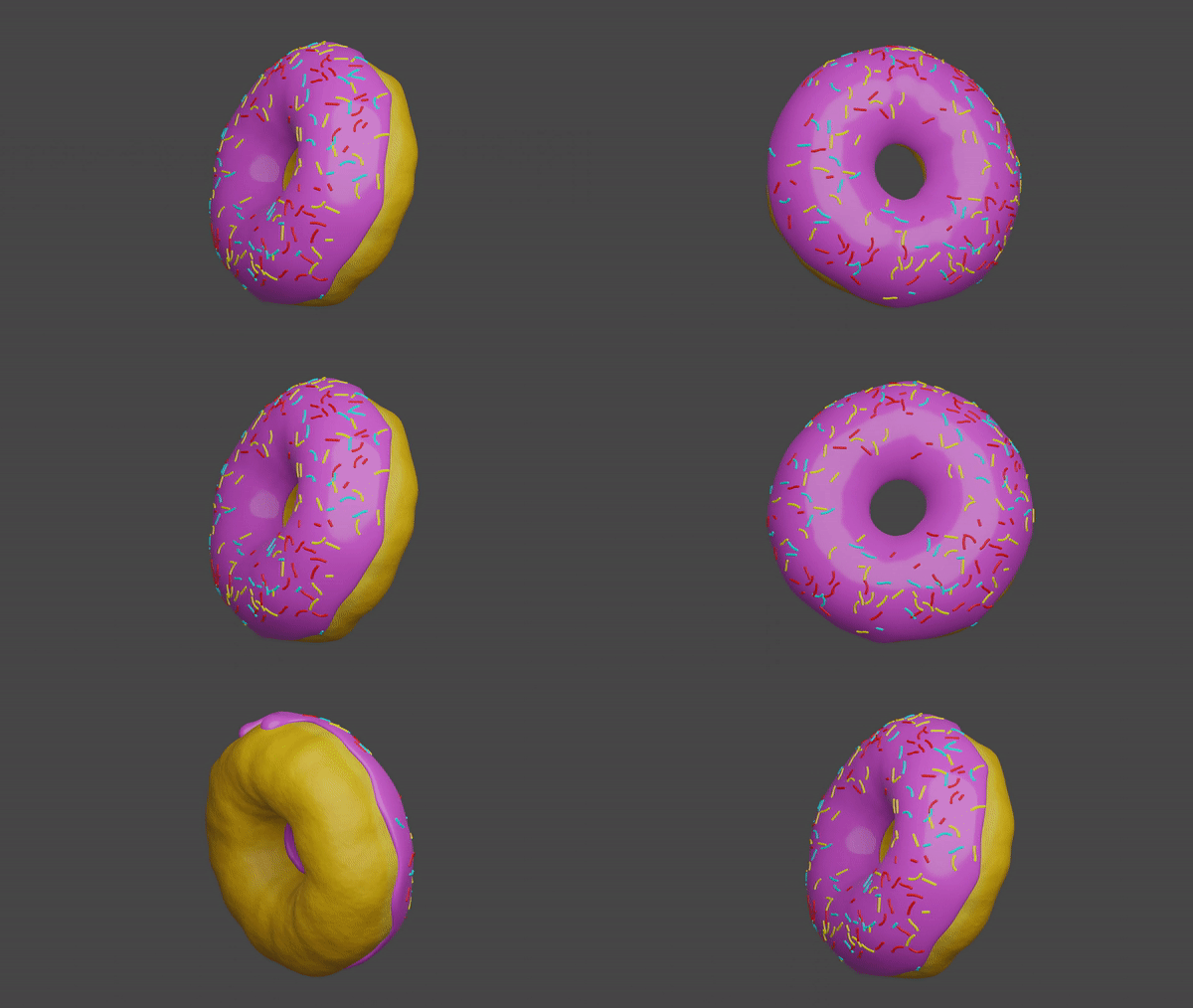
animation rotation speed follows the graph editor
reference:

Good walkthrough of the graph editor: deleting the X/Y Euler curves and then easing the Z rotation handles at frame 0 and 50 is a neat way to get a smooth 690-degree spin. Tips like this are handy when animating avatars that you later drive live through OBS.
ReplyDelete— LiveSwap team