Friday, October 21, 2022

blender cushion 2


sculpting mode, select draw sharp, press n -> select tool tab
stroke -> stroke method line, draw a line across cushion

shift + d to duplicate, g to move, r to rotate

sculpting mode, select cloth, reduce strength to 0.1
deformation method -> inflate, stroke method -> airbrush

face set -> initialize faceset by marked seams

cloth -> advanced ->  check faceset boundary
inflation will alter the crease along the seams

uncheck faceset boundary, use grab method to move corners

use drag method to pull down cushion top

shift + drag to smooth out surface
reference:

Thursday, October 20, 2022

Copper Mining Process

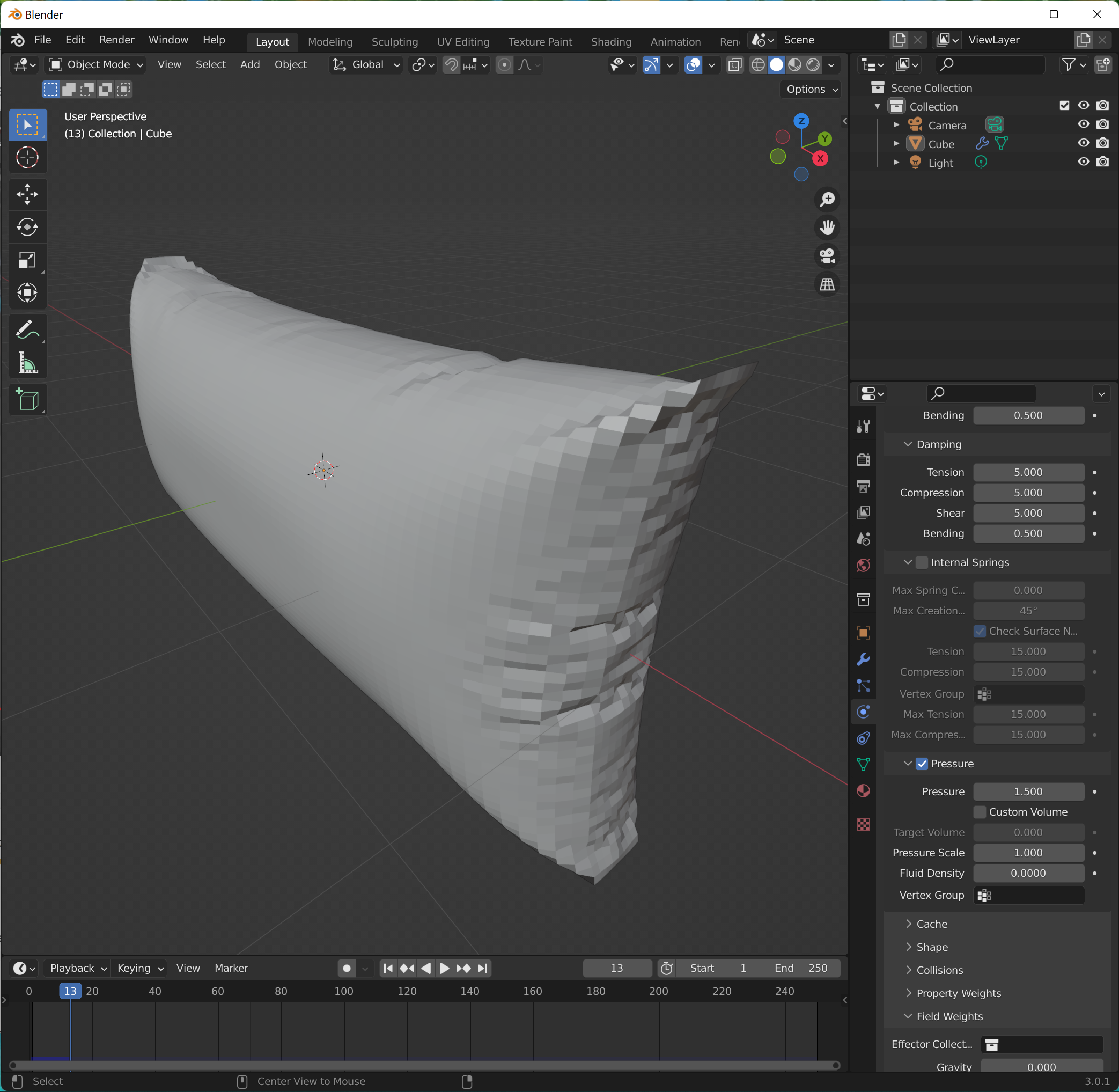
blender cushion 1


ctrl + r to equally subdivide cube

physics property -> field weight -> decrease gravity to 0
physics property -> pressure -> change to 5

ctrl + a to apply all transforms. animate to frame 12

edge select, select -> select sharp edges
ctrl + e -> mark seam

uv editing tab, u -> unwrap

modifier -> apply cloth modifier
reference:

Tuesday, October 18, 2022

space mining

blender curtain 3

duplicate the curtain material by click the #2 button beside material name
change subsurface to 0

press c to circle select curtain edges, assign new material

curtain edges are darker

in uv edit tab, click sync button on top left
select curtain top edge, uv map top edge is highlighted also

g to move the edge, curtain top is properly uv unwrapped.

wrinkle texture

in shading tab, add wrinkle picture, change to non-color
add vector -> bump, input normal and wrinkle picture, output normal

reference: